Logged in seconds, your way.
Say what you spent, scan the receipt or type it in. Brick files every expense in the right place and updates your month.

Three ways in.
Use whichever suits the moment. They all land in the same place.
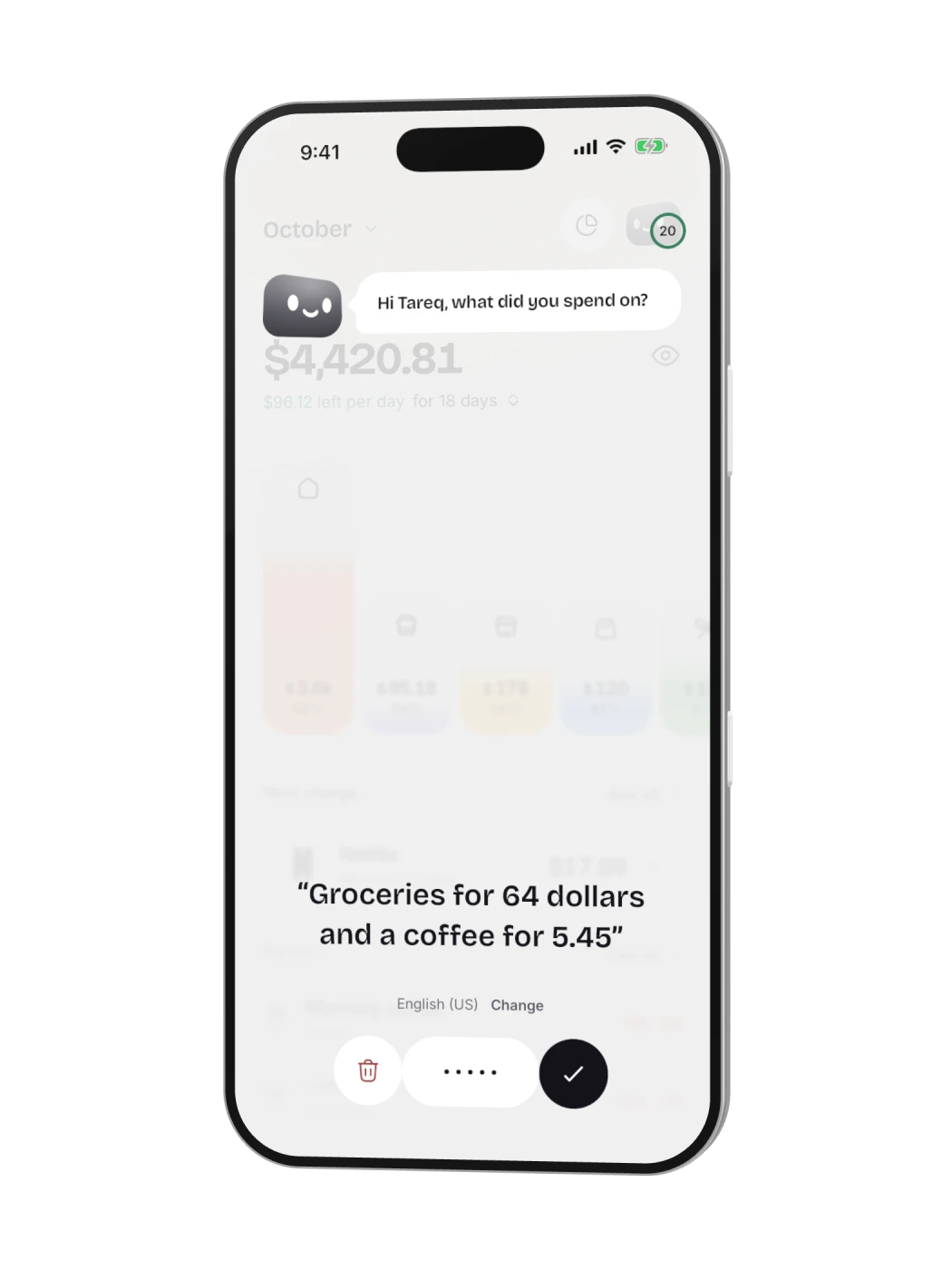
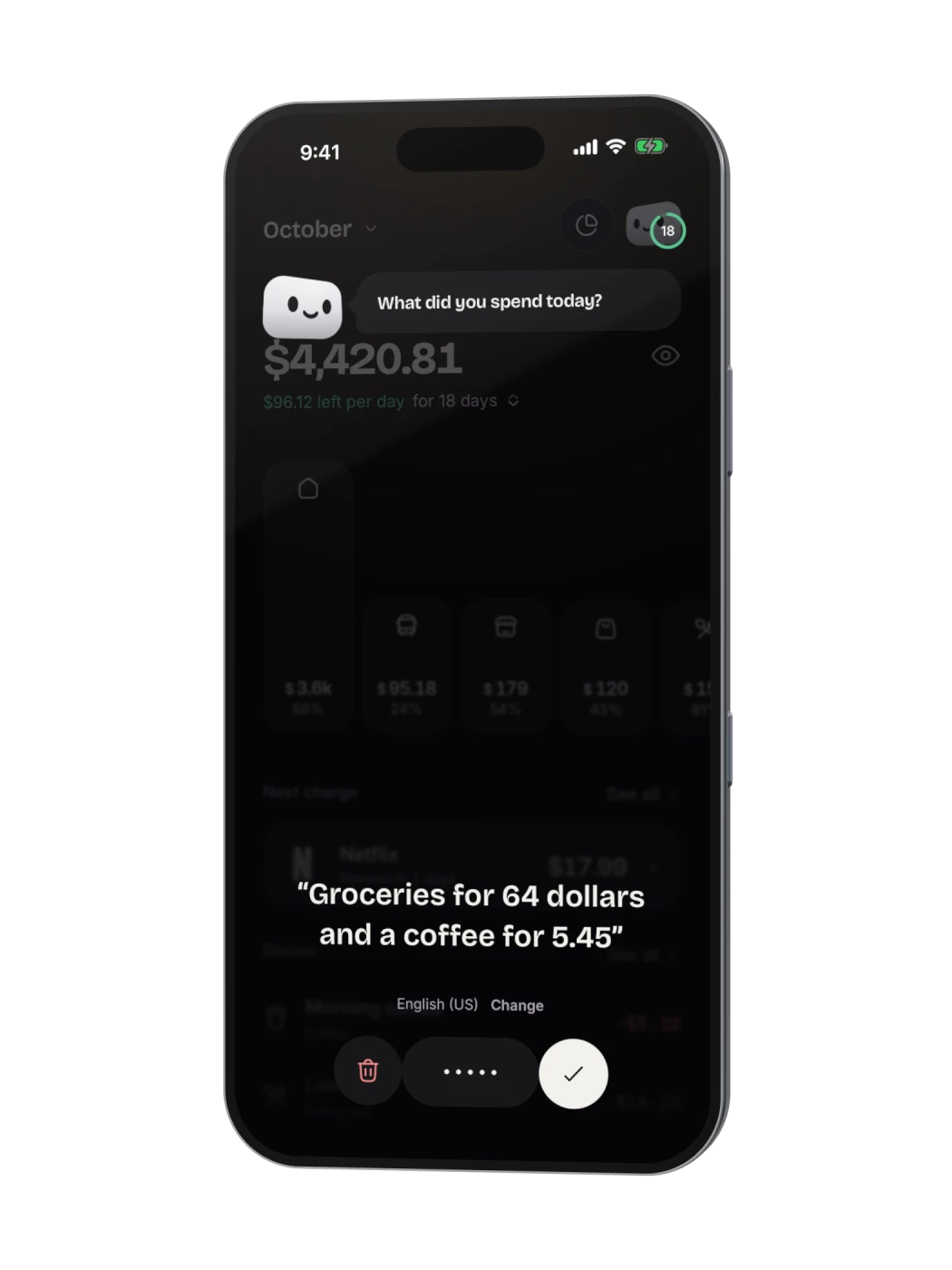
Say it.
Tell Brick what you spent, in your own words. Several things at once is fine.
- In your languageAmounts, places and categories understood.
- Many at once“Groceries for 42 and a coffee for 4.50.”
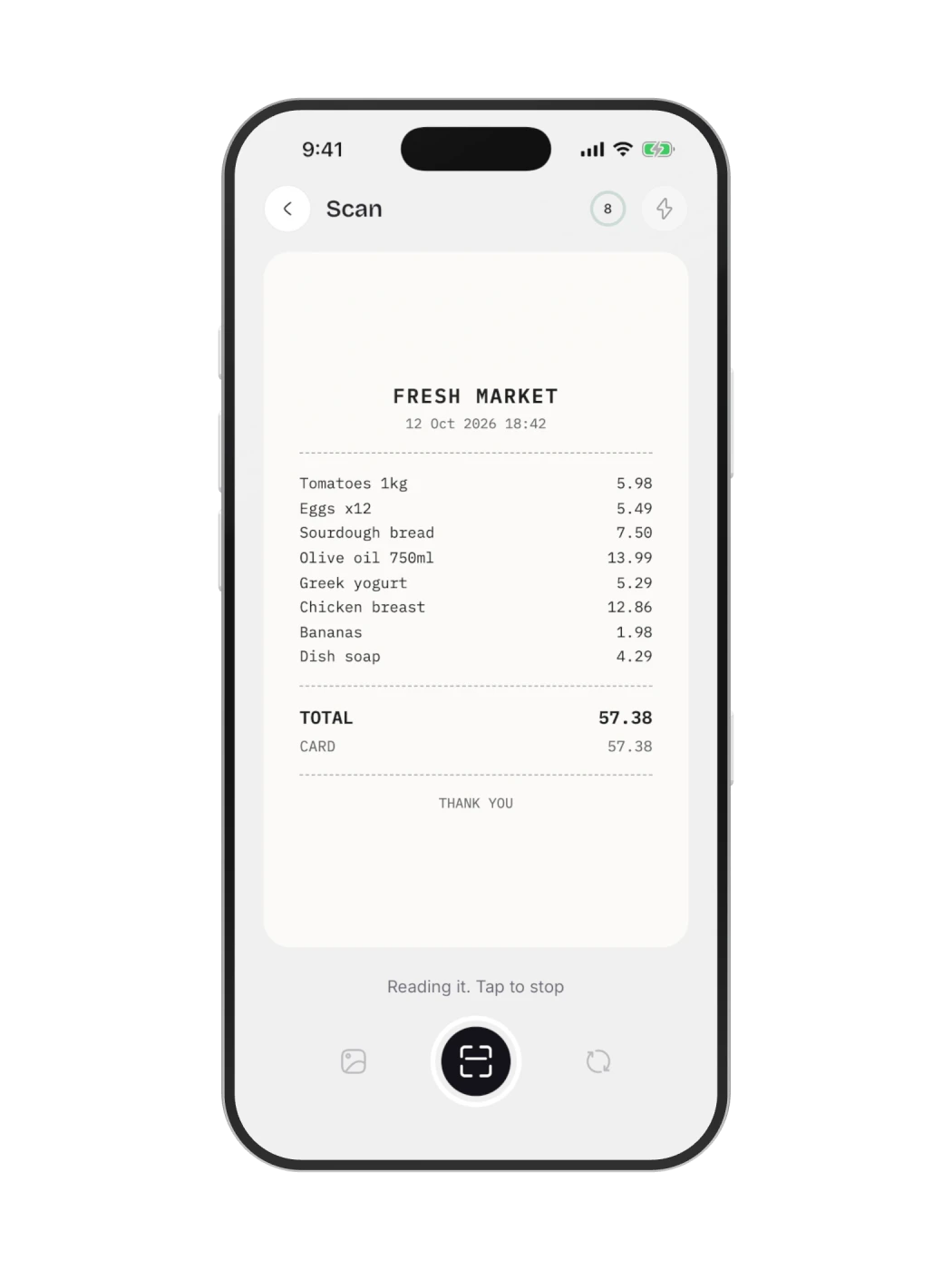
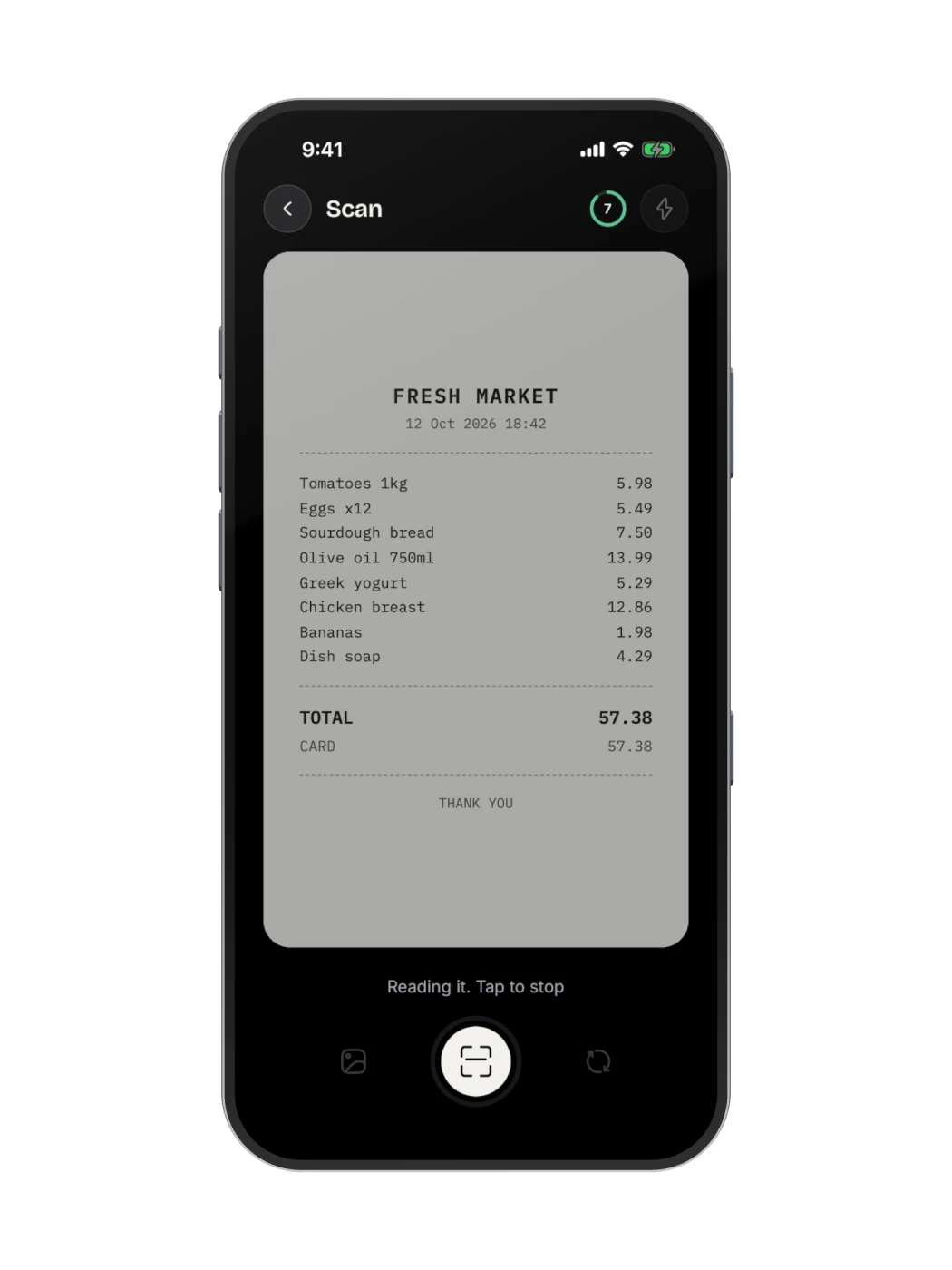
Scan it.
Point the camera at the receipt. Every line is read, sorted and added up.
- Item by itemEach line lands in its own category.
- The shop and the dateRead from the receipt for you.
Type it.
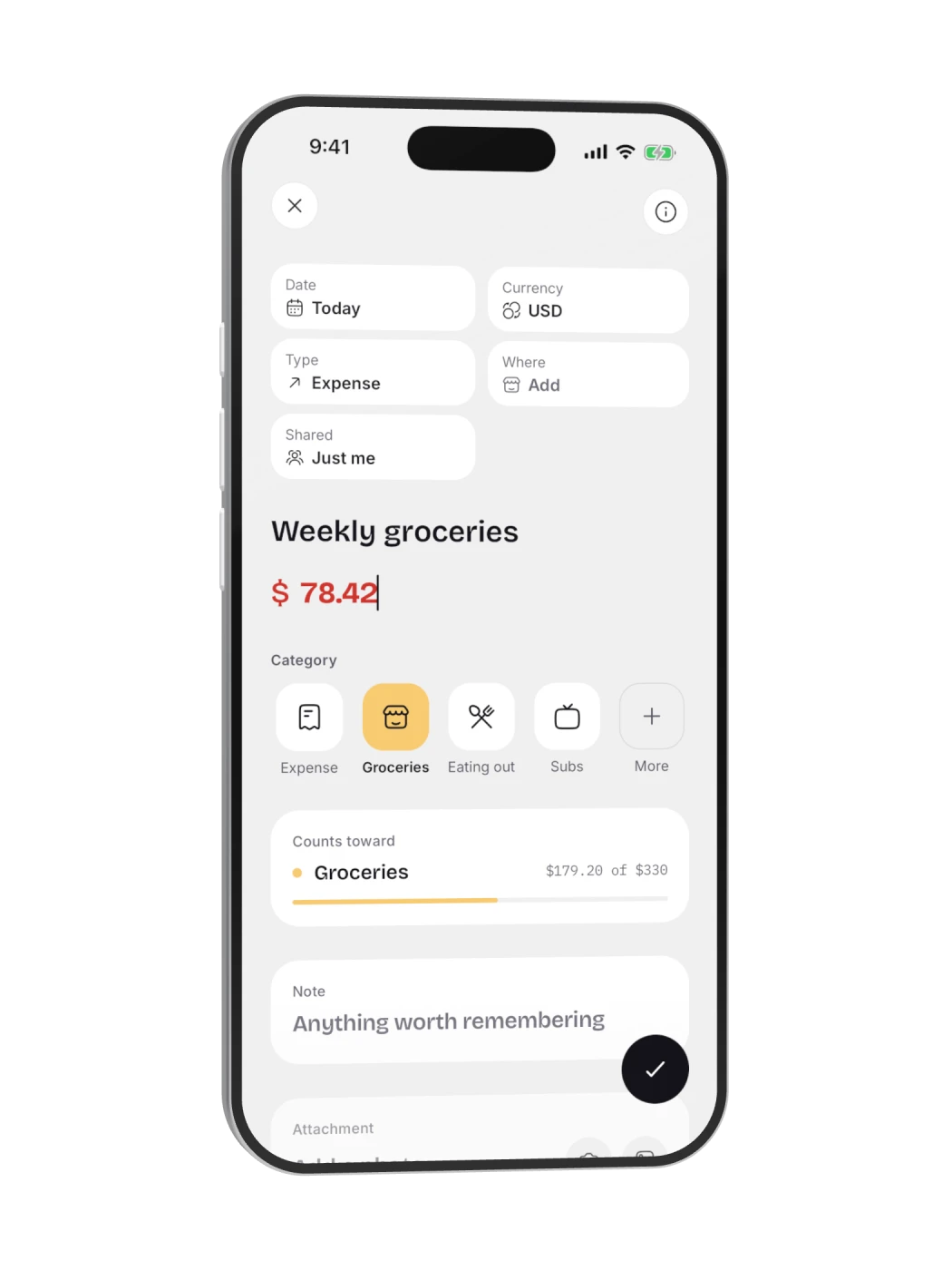
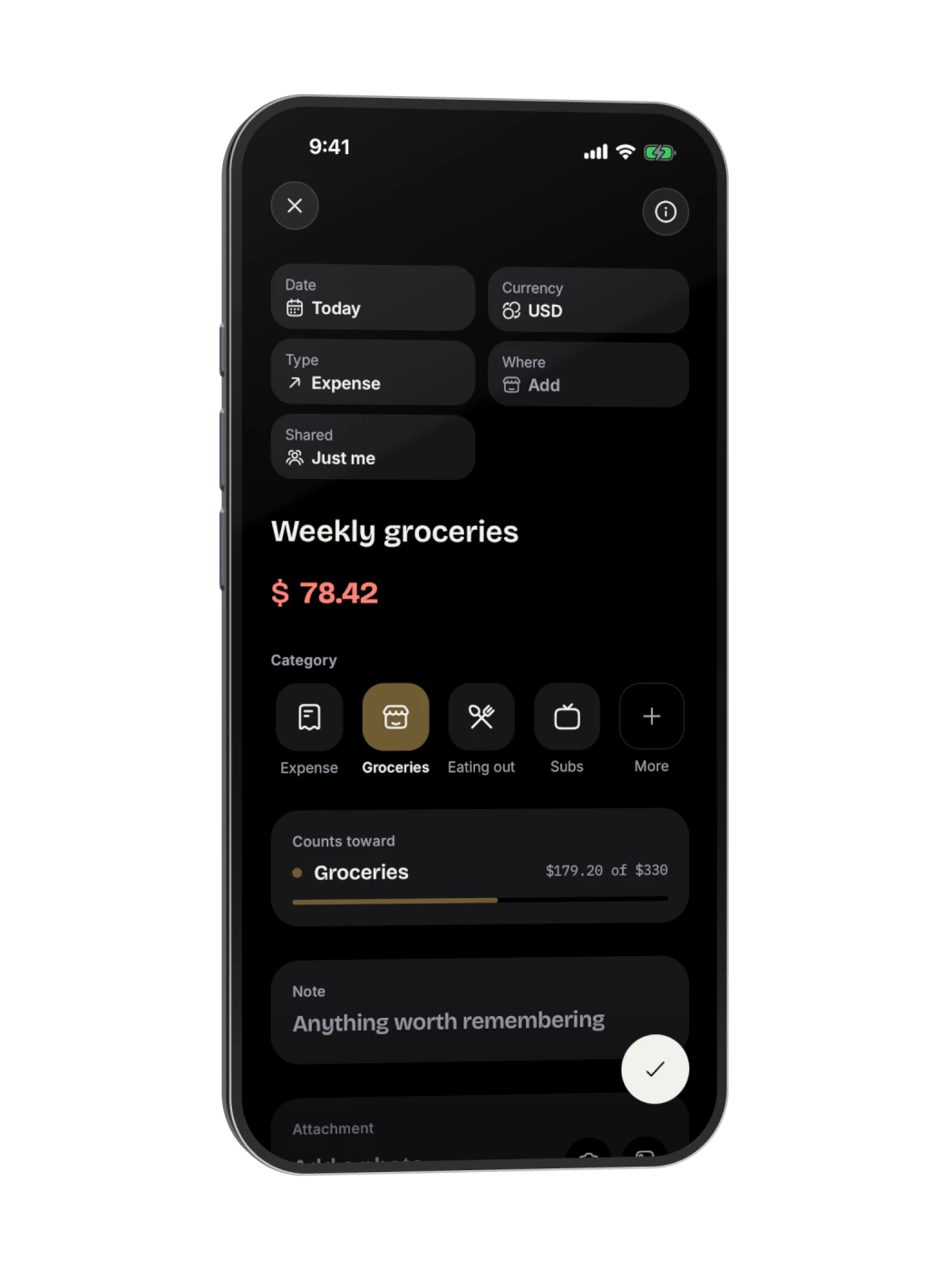
A quick form when you would rather tap. Nothing you need is more than a tap away.
- Date, place and currencySpent abroad? It is booked in your own currency.
- Counts toward a budgetSee what is left in it before you save.
A whole receipt, read in seconds.
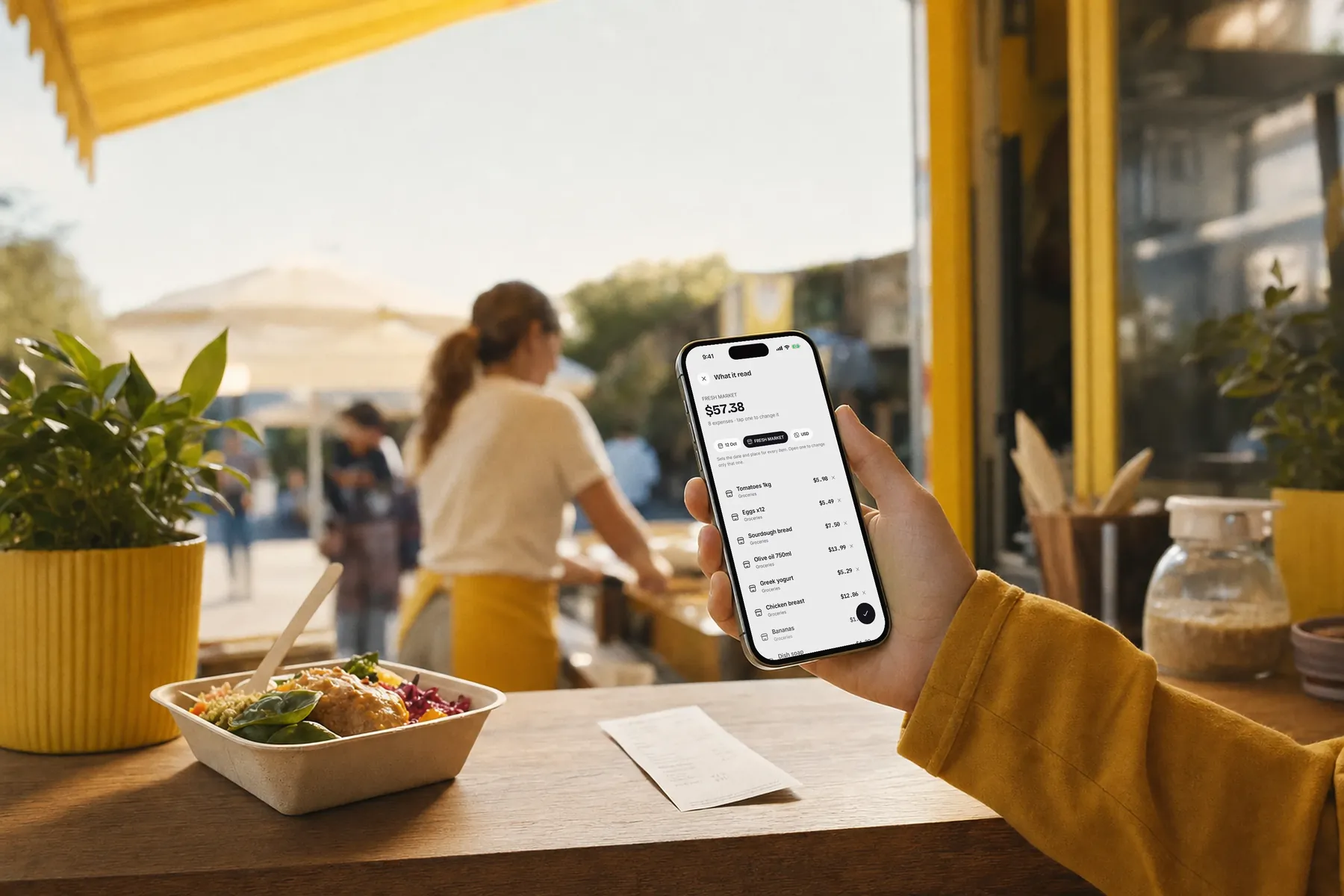
Every line becomes an expense.
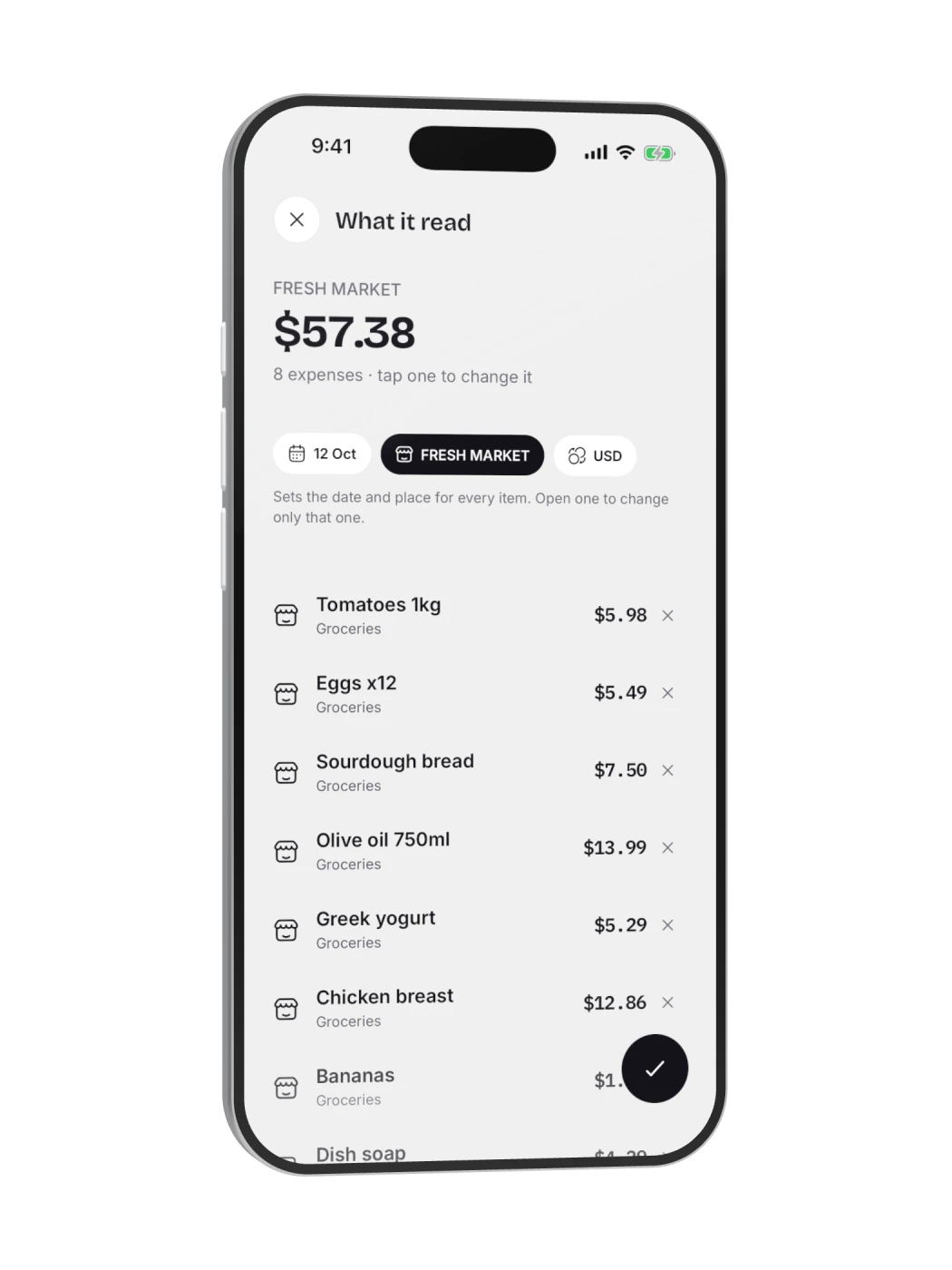
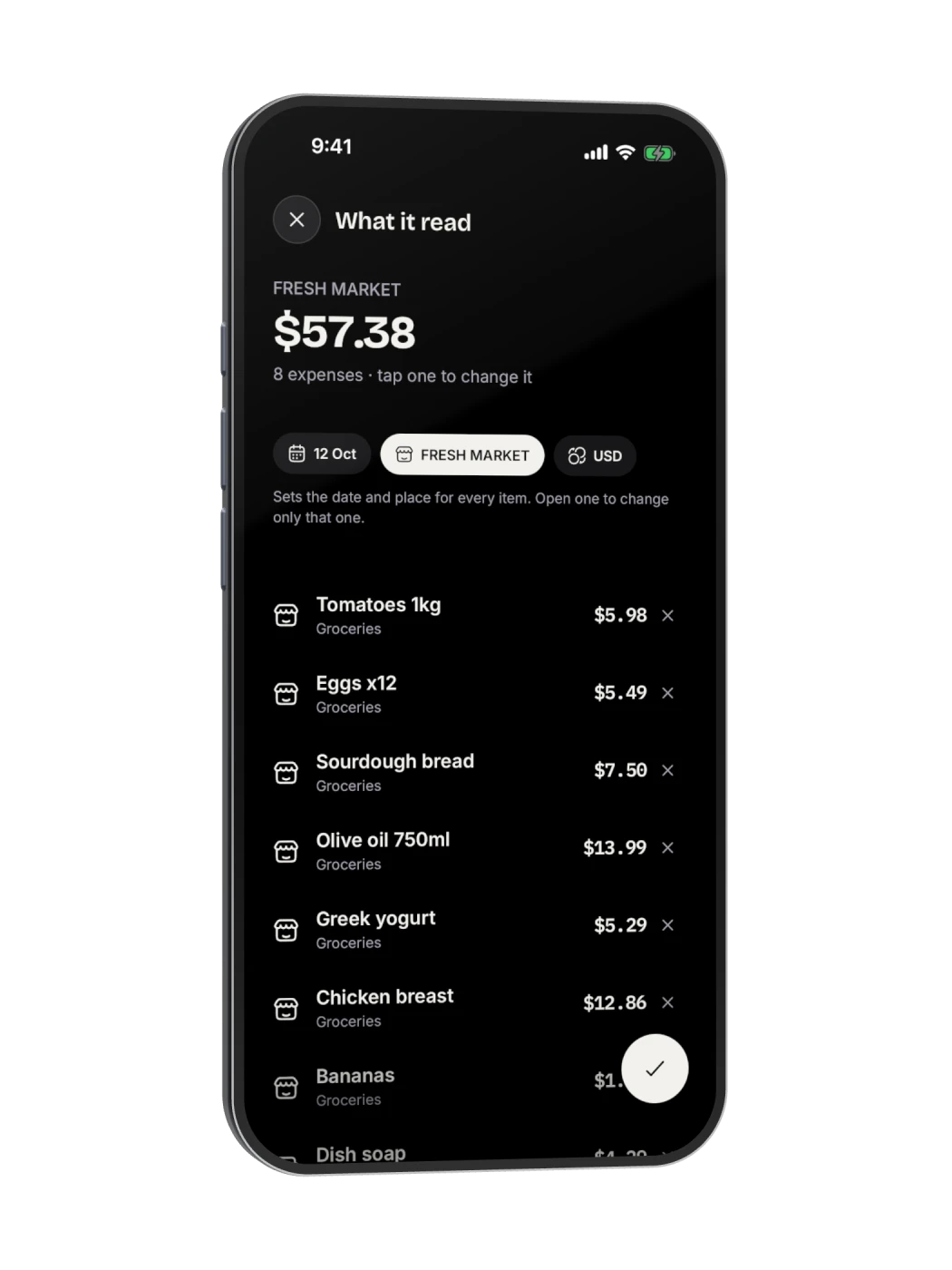
Brick reads the shop, the date and each item, sorts them into categories and adds them up. Check it, then keep it.
- Item by itemTomatoes, eggs, olive oil, each in its place.
- The shop and the dateSet once for the whole receipt.
- Change anythingTap an item to fix it before saving.
Logged before you leave the stall.
Scan the receipt at the counter. Brick reads every line and files it in the right place.

Everything you spent, in one list.






The week on a calendar.
A dot under every day you spent. Tap a day to see just that day.
Every day, in order.
Each expense under the day it happened, newest first, with its category.
All in one list.
Your own spending and your share of group costs, side by side, with their categories.